- Take picture uses your device camera.
- Add image file attaches a photo that is already on your device.
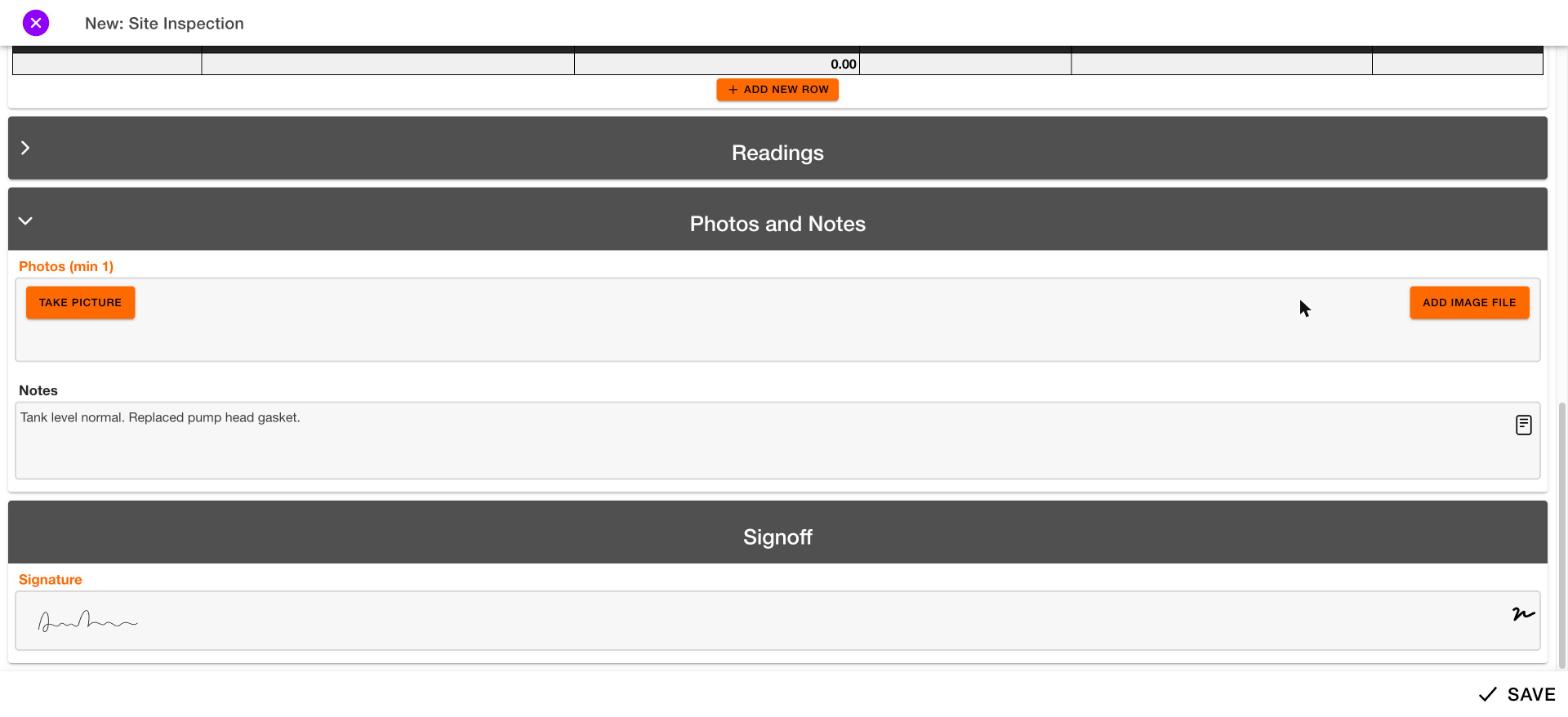
Required photos
If the label says “(min 1)”, you must add at least one photo.Added photos
Each photo you add appears as a thumbnail. A red x removes the photo. An edit icon appears below each photo.What the edit icon does will be documented later.