Each record was made from a form, which is a template your administrator sets up, for example an inspection or service report. The form name appears at the bottom of each record card, for example Form: Site Inspection.

Show one form type

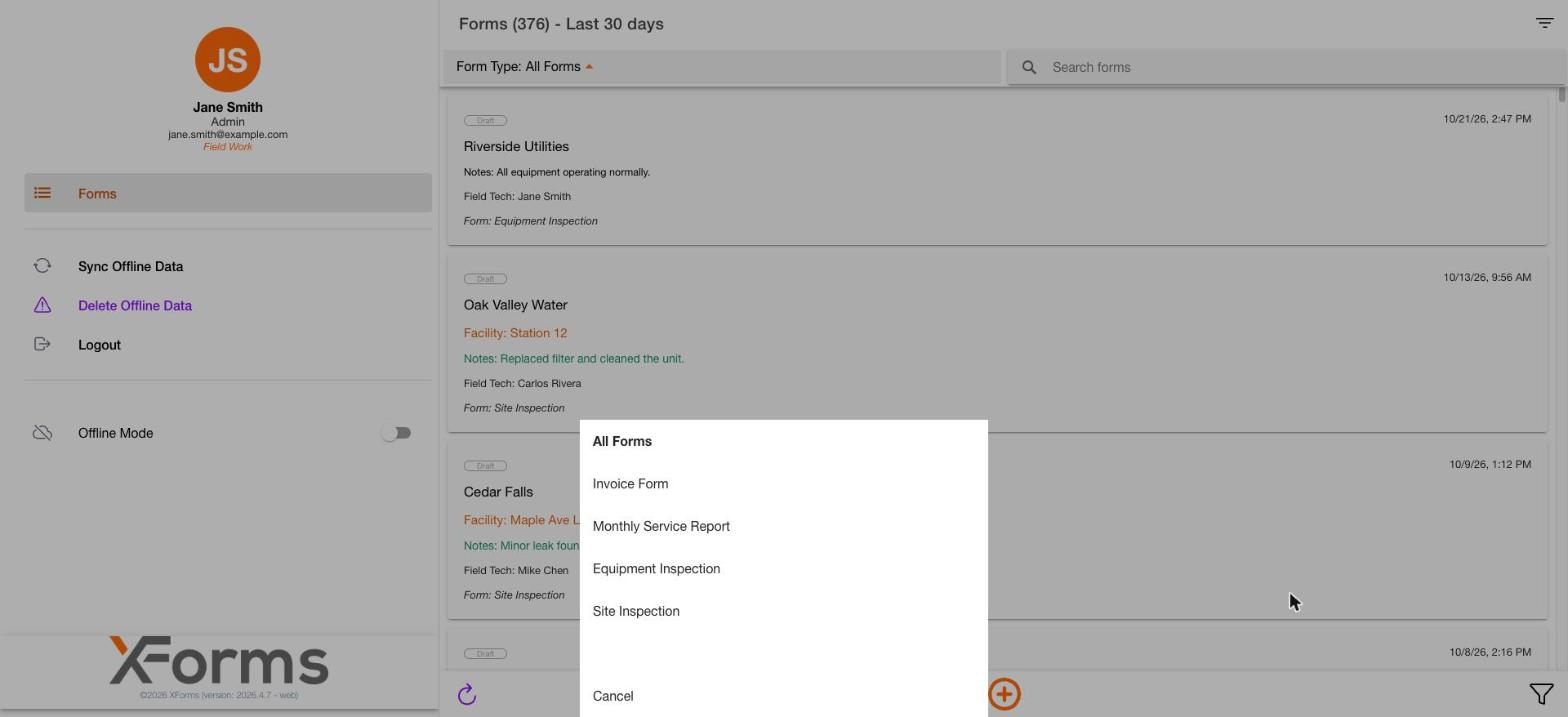
Tap the Form Type dropdown above the list. Choose a form type to show only that type, or choose All Forms to see everything. Tap Cancel to close the menu. Form Type menu listing form types with All Forms and Cancel
After you close a form, the list can stay filtered to that form type. If the list looks empty or short, set Form Type to All Forms and check the period filter. See Search, filter and sort.

Start a form

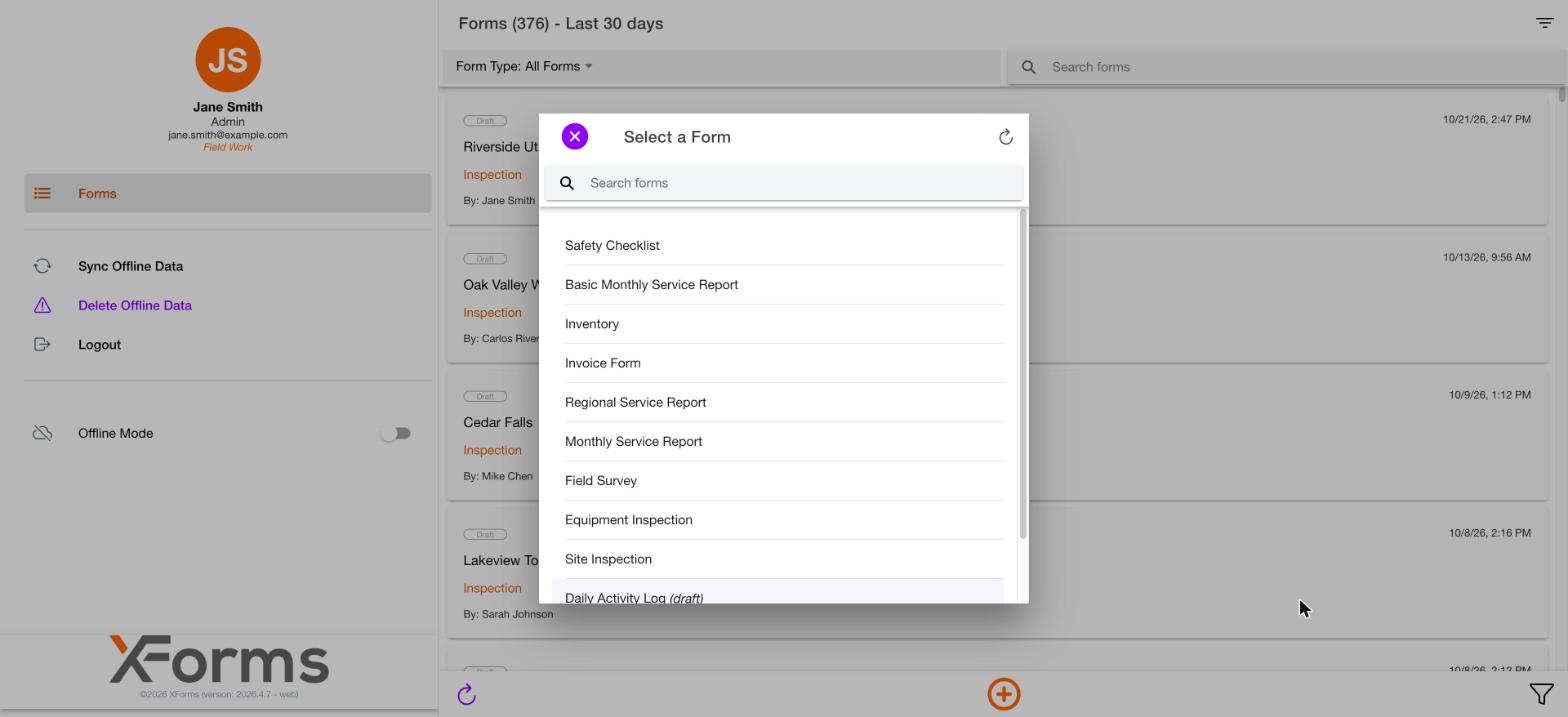
The Select a form window opens from the + button. It lists the forms you can start and has a search box. A form that is still being set up may show “(draft)” after its name. Select a form window listing available forms with a search box at the top To start one, see Fill out a form.