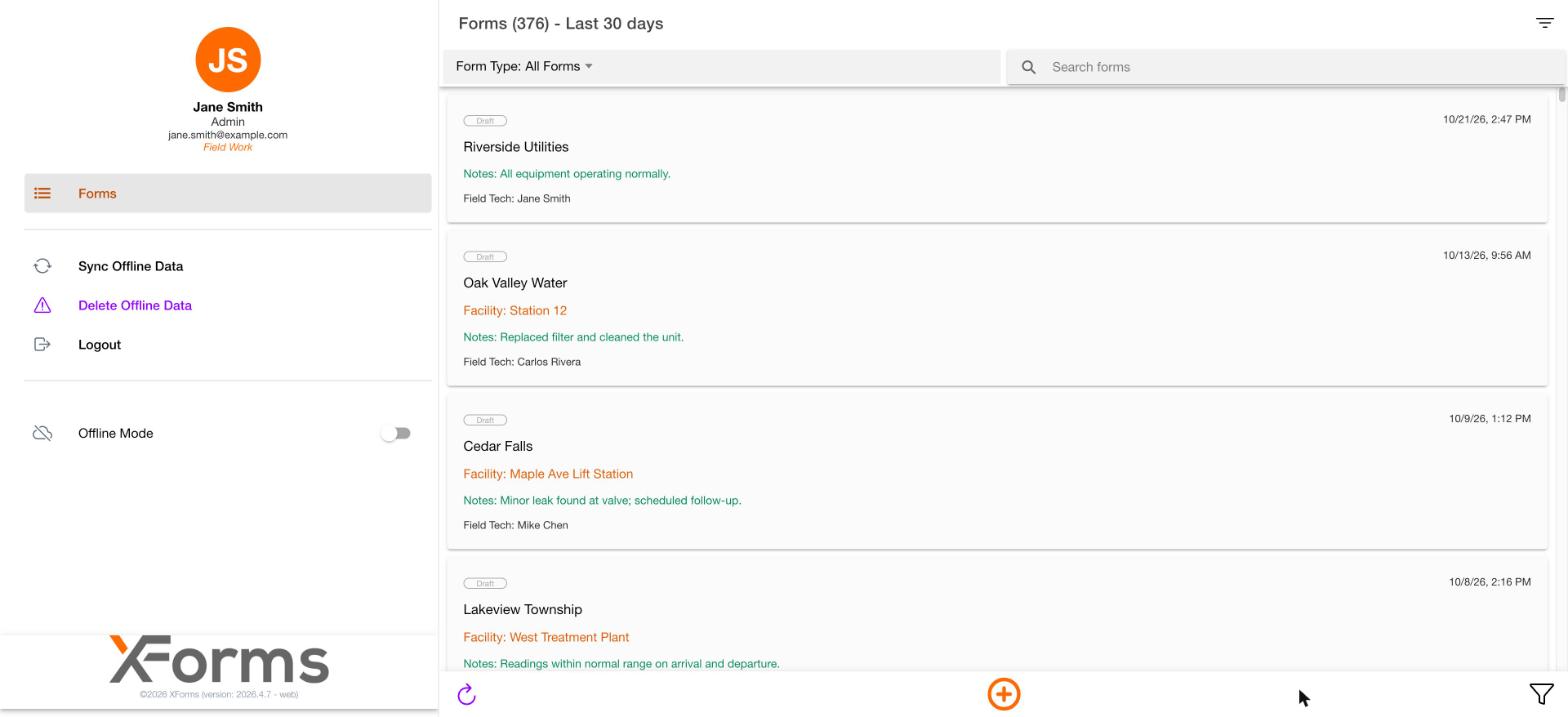
Side menu
The side menu shows, from top to bottom:- Your initials in a circle
- Your name
- Your role, for example Admin
- Your email
- Forms
- Sync Offline Data
- Delete Offline Data, shown in purple with a warning icon
- Logout
- An Offline Mode toggle
Working offline will be documented later.
Forms list
The main area is the Forms list. The heading shows how many forms match and the period, for example Forms (376) - Last 30 days.
A record opens with the title Edit: [form name]. Save is at the bottom right and a Delete (trash) icon is at the bottom left.