Signature fields show Tap to Sign and a pen icon. A signature field with an orange label is required.

Add a signature

1

Tap the Signature field

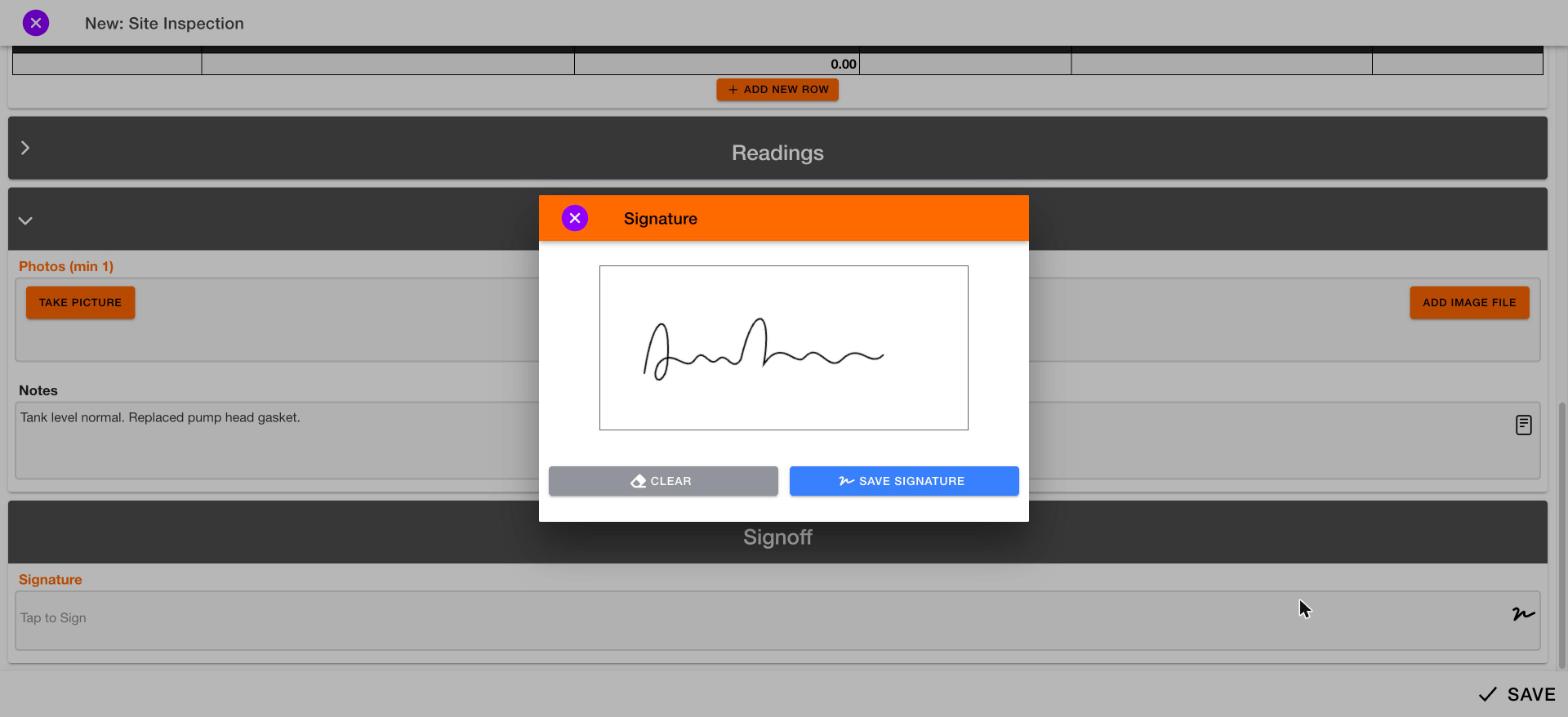
The Signature window opens.Signature pad with Clear and Save signature buttons
2

Sign in the box

Use your finger, a stylus or a mouse. Tap Clear to start over.
3

Tap Save signature

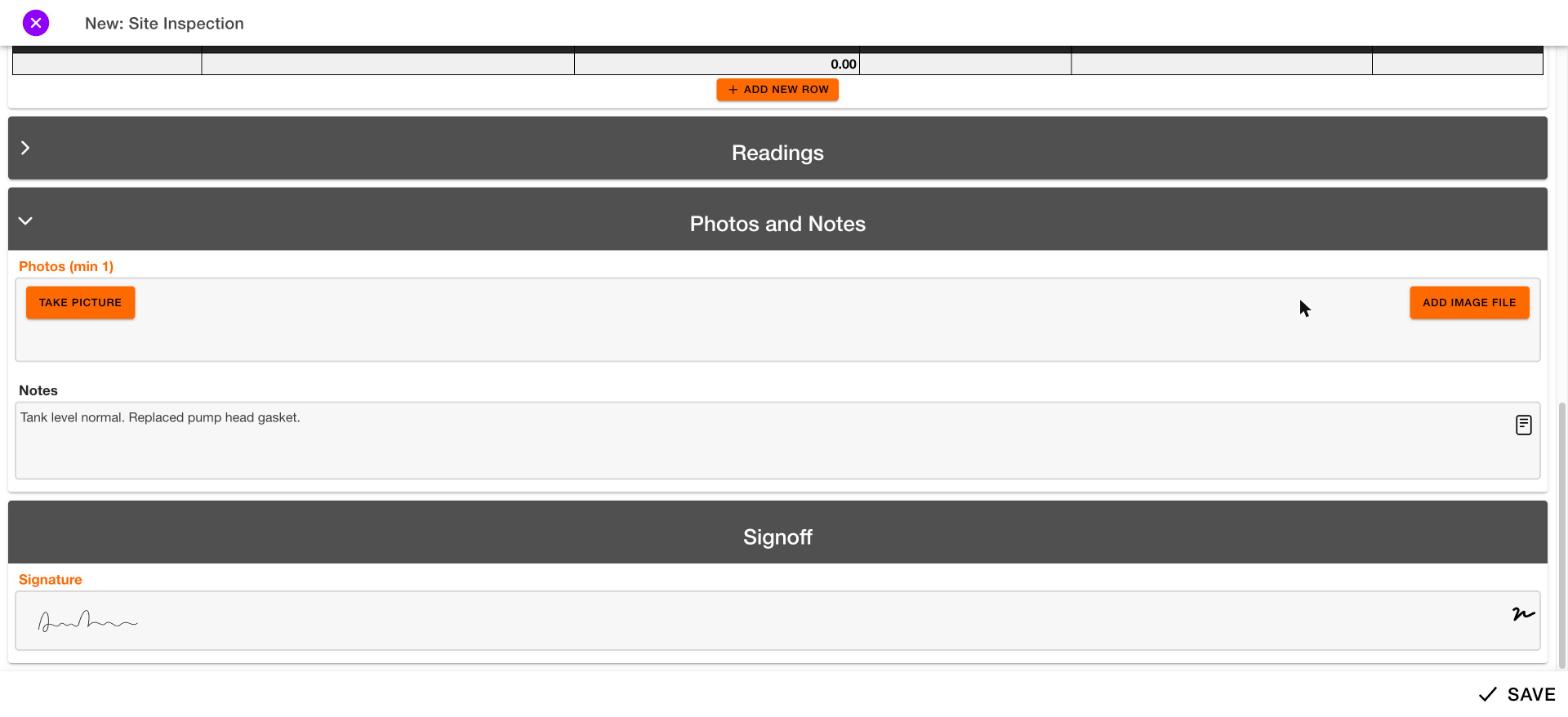
Your signature appears in the field.Notes field and a completed signature at the bottom of a form
To close the window without signing, tap the purple X.
Changing a signature after you save it will be documented later.